APKPure
APKPure quick access to update your apps and games without registration

Safe & Secure
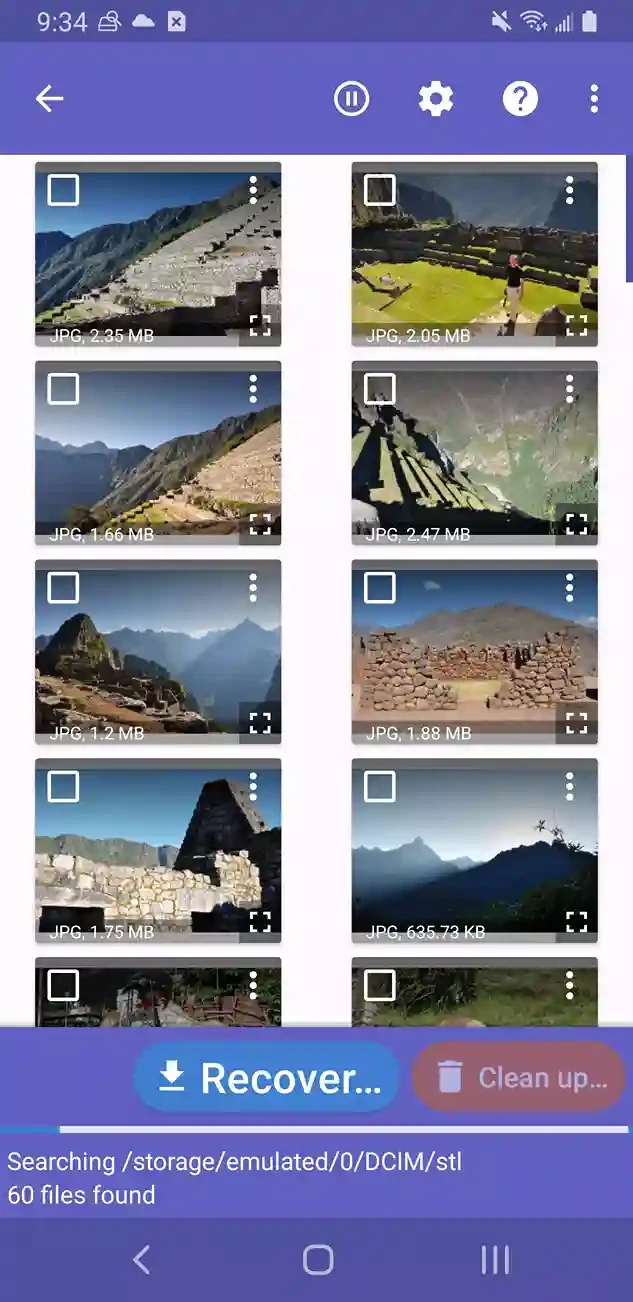
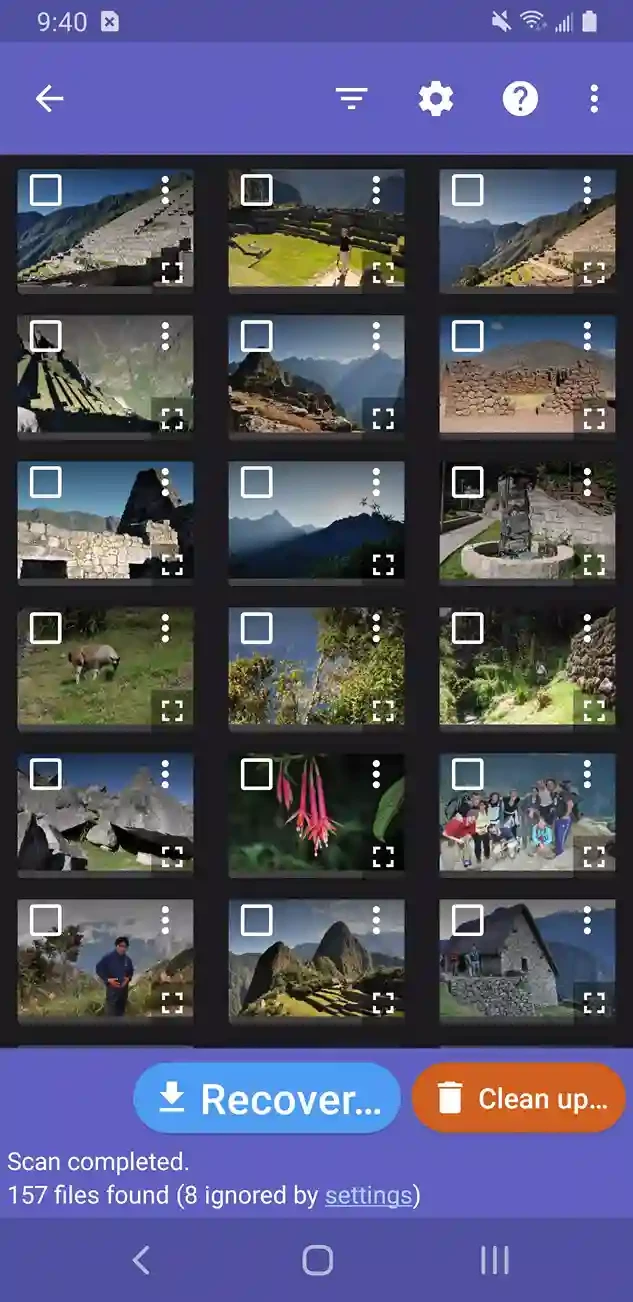
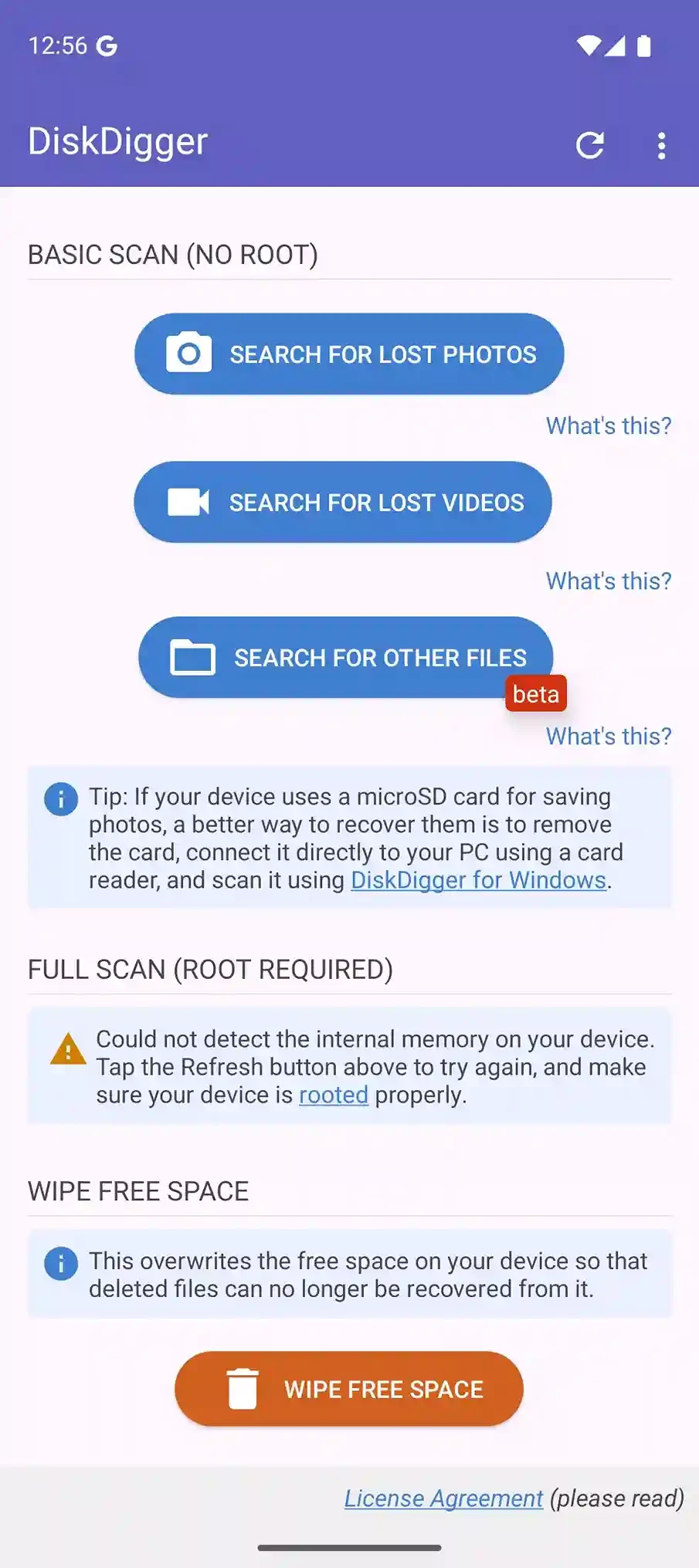
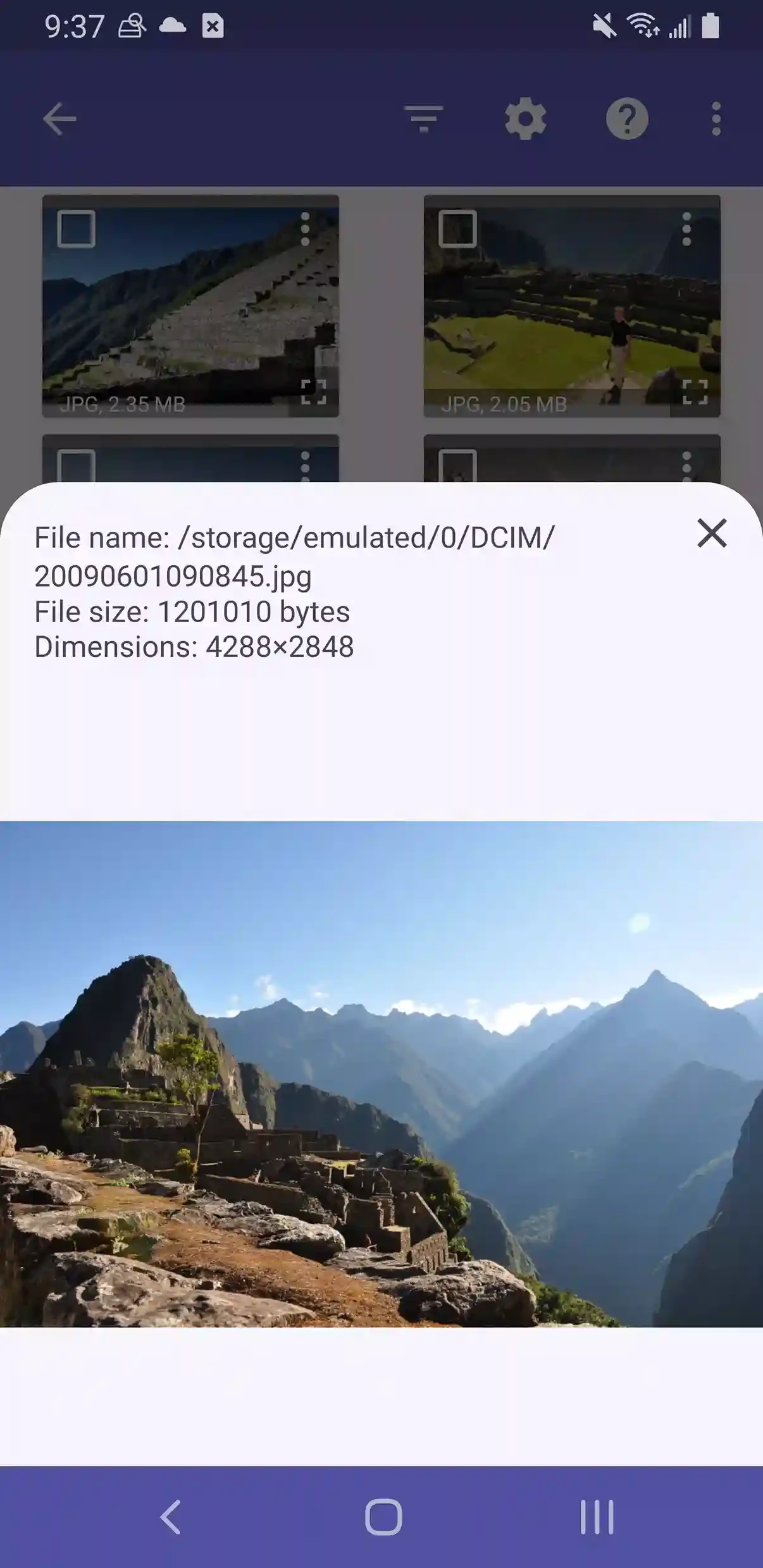
DiskDigger offers quick recovery of your deleted photos, videos, documents, and other non-media files on your Android device. It is free to use, which allows users to restore their photos, regardless of whether the images have been deleted accidentally, from internal memory, or an SD card. It is officially available on Android devices, and you can download it right from the Play Store as well.
The user-friendly interface supports multiple formats, including JPG, PNG, etc to make your restoration process quick and simple. The recovery process depends on the quantity of the material you want to recover, simply selecting the folder to scan, and letting the app do it reliably.
Also available for: Windows
DiskDigger, developed by Defiant Technologies LLC, is a photo or video recovery tool and is integrated with multiple cloud storage services and email services to make uploading files easy and smooth. It is available for free with all basic features, and also a Pro version that offers a lot of advanced functionalities.
You can restore your visual content while selecting Basic or Full scanning according to your requirements. We spend a lot of time on our Android device, and save our personal as well as professional data, which is very important to us. The accidental deletion of such precious data can cause frustration, but multiple recovery tools, such as DiskDigger, are available to prevent such a disaster.
The app, with straightforward installation, offers a simple-to-use process for recovering your photos, videos, and other documents. It is basically designed for Windows operating systems, but is now available for Android devices as well. On opening the main screen, you will view all system devices, and after selecting your required device, simply click on the “Scan Device” button.
After completing the scanning, a list of recoverable files with a preview facility will appear on your screen. Select your desired file, click on the “Save” option, and select the directory where you want to save your recoverable content.
No doubt, the app offers a scanning process for non-rooted devices, but it will be limited, as it will offer a full search for your existing internal storage, database, thumbnail caches, and so on to locate your lost files. On the contrary, the scanning process for rooted devices offers a thorough search while scanning the entire memory of your device, and traces the lost photos, videos, and other documents.
After completing your scanning as well as recovering your important content, you are capable of using the “Clean up” button. It will allow you to preview the scanned content and delete unnecessary items permanently. Next, click on the “Wipe free space” option for removing all remaining items to clear free space on your device.
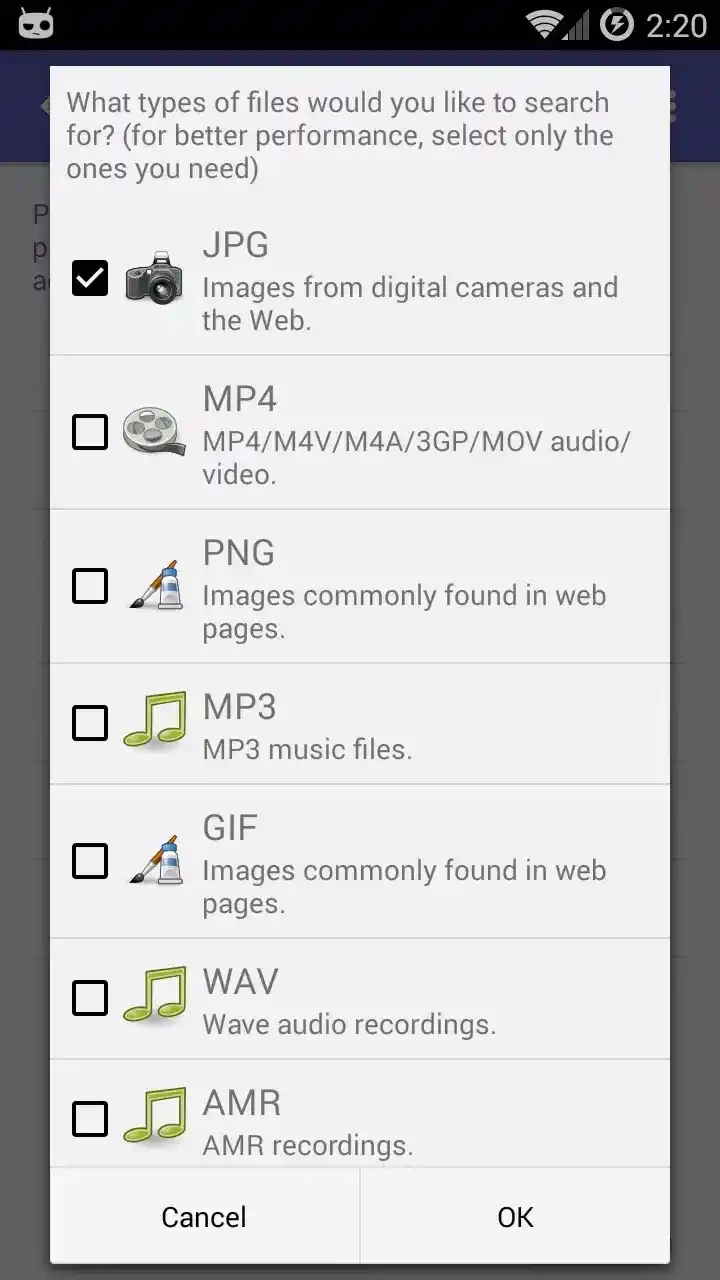
You can recover your photos and videos with support of huge collection of formats, and also restore your documents and non-media files. You will find support for JPG, PNG, MP4, MOV, PDF, RAW images, APK, and ZIP files. The comprehensive solution makes your recovery of various types of data quick and simple.
This is another key feature, as it enables users to access their required files hassle-free. You need to click the gear icon to open “Options” and filter the recoverable files based on file size, file type, and so on. It is also possible to impose a minimum size on the available files by pressing the checkbox next to “Minimum file size” and enter minimum number of bytes. The app offers a minimum size for recoverable photos by default, and makes it possible to filter out most other images.
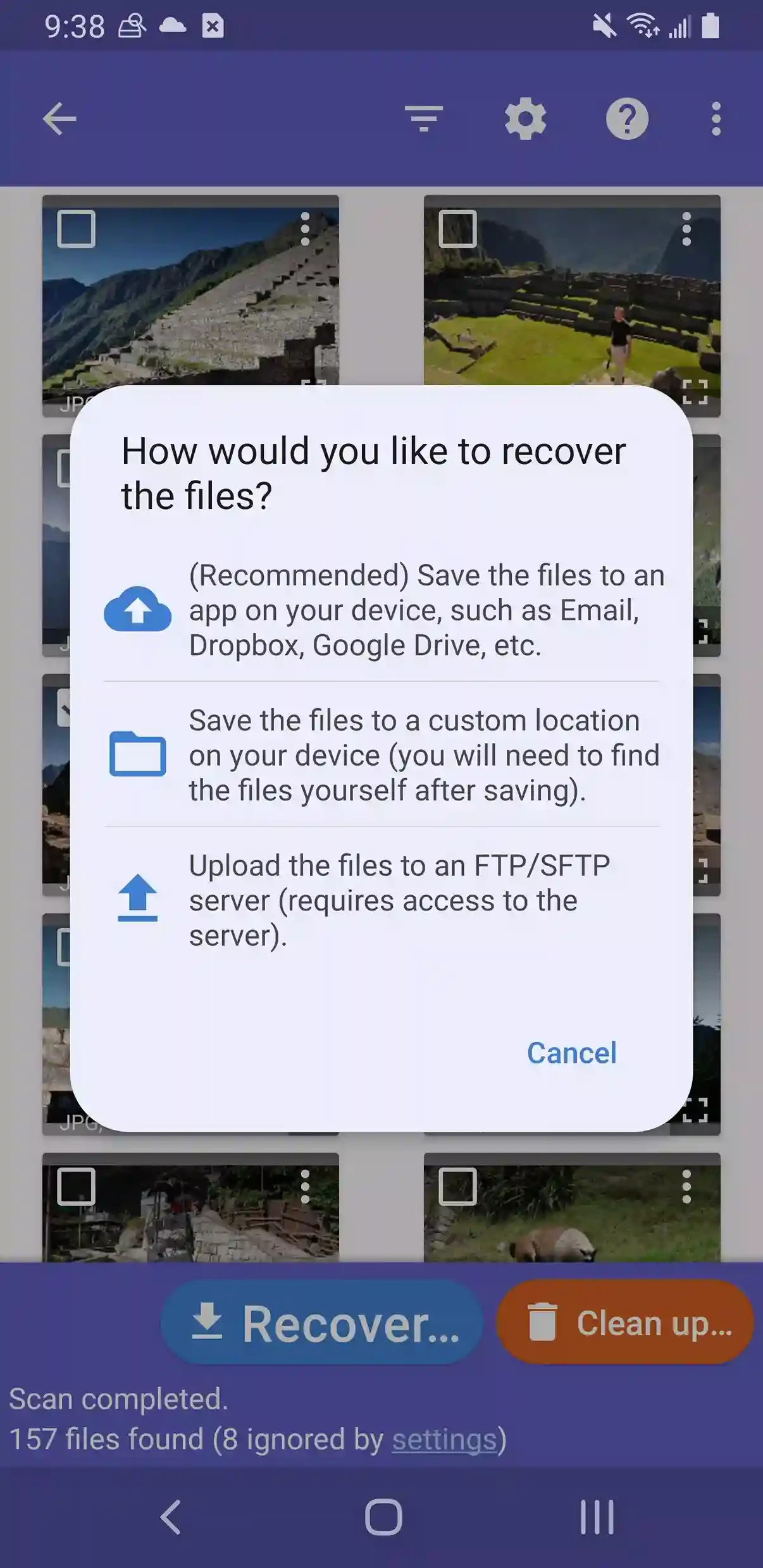
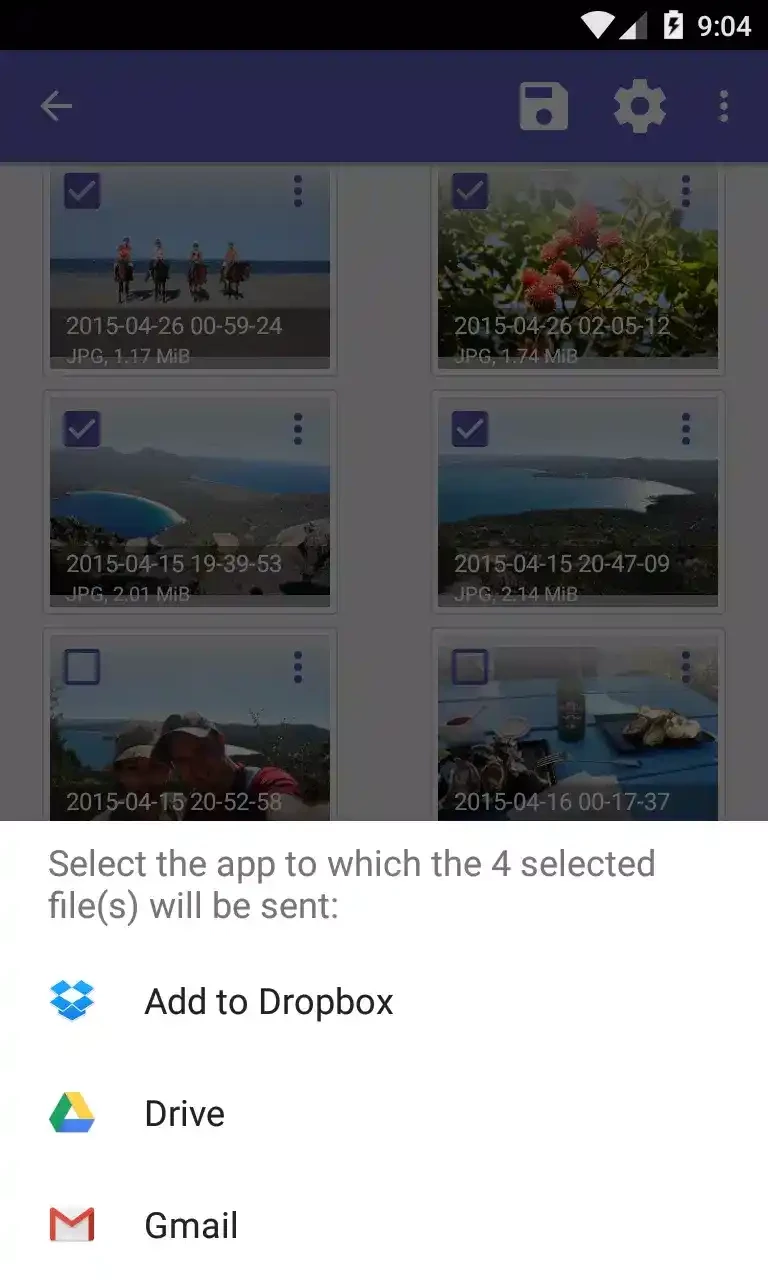
The seamless integration for multiple cloud storage services, such as Google Drive, Dropbox, etc to make your photo recovery quick and easy. It is the safest process that allows you to quickly upload your recovered files to the cloud storage and create a safe backup. The uploaded files on the cloud storage are quickly accessible from anywhere. Email is the best alternative sharing method for sending your files.
The app, with a user-friendly interface, offers multiple powerful capabilities, regardless of technical and non-technical users. The simple and quickly navigated interface offers a step-by-step process of recovering your files. The simplicity of the design is the key feature that offers a smooth and hassle-free experience to recover your lost data.
You can save your recovered files using multiple methods, such as save to an app, save to device, and FTP load while clicking the check mark next to the recoverable files, and press “Recover” button. You can save your files to cloud storage, send them to another device using your email, or save the recoverable file to the local memory or SD card as well.
Pros
Cons

APKPure quick access to update your apps and games without registration

vnROM BYPASS FRP GOOGLE ACCOUNT from your Android device

Aptoide APK provides limitless apps to install and share

Download Google Play Store APK for Android and enjoy your favorite Android apps or games on your mobile devices

FRP Bypass is a free tool used for bypassing the Google lock, screen lock, and factory reset.

InstaUp automates your Instagram followers free of charge